The digital side of your printed birth announcement

Share your birth announcement as a real page, not a photo in WhatsApp.

Collect postal and email addresses through one private link. That page carries your gift registry link and IBAN, so family can gift right away. Alongside your printed card, not instead of.

One address book, reuse it laterOnly you see the addressesWorks with your own design
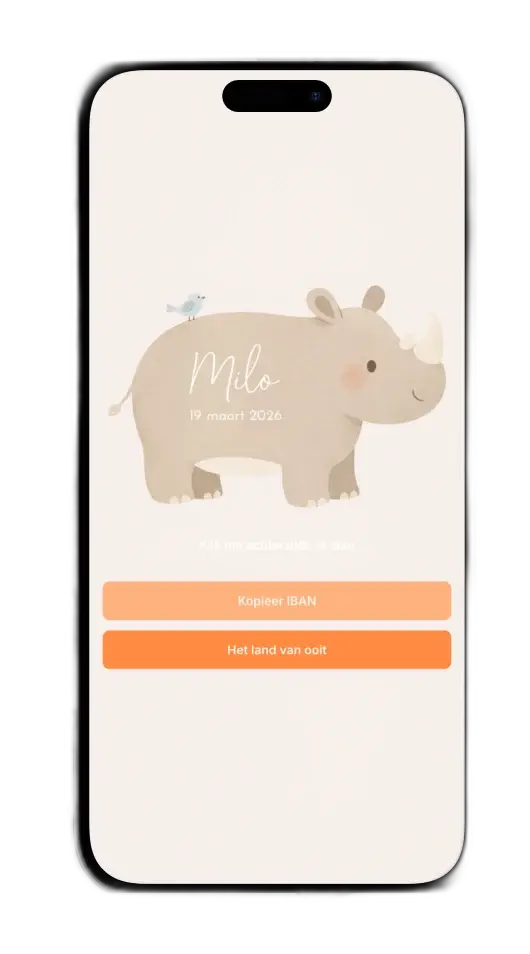
A real share page of your birth announcement on a phone, with your gift registry link and IBAN on it
Gratis te startenAlleen jij ziet de adressenJouw eigen ontwerpKlaar in minutenDigitaal delenPrivacy gewaarborgdGratis te startenAlleen jij ziet de adressenJouw eigen ontwerpKlaar in minutenDigitaal delenPrivacy gewaarborgd

Two tasks around your printed card

Share your card the moment it's ready, or collect addresses while the printer is still working. Both from one place.

When should you share cards?

When your birth announcement is ready and you want to share it right away

Start here if you want to share your card online without PDFs, loose files, or scattered follow-up questions.

  • Share your card as a real page, not just an image in WhatsApp
  • Let family see your card immediately, even while the post is still on the way
  • Add your gift registry link and IBAN to your share page so family can gift easily
When should you collect addresses?

When addresses are still missing for your birth announcement

Start here if you want family and friends to fill in their address themselves through one private link. You can reuse that list later.

  • Collect postal and email addresses through one private link, not ten scattered messages
  • Keep a clear overview of who already replied
  • Reuse the same list later for a birthday invite or thank-you card

How it works

Four steps from finished card to everyone in the loop.

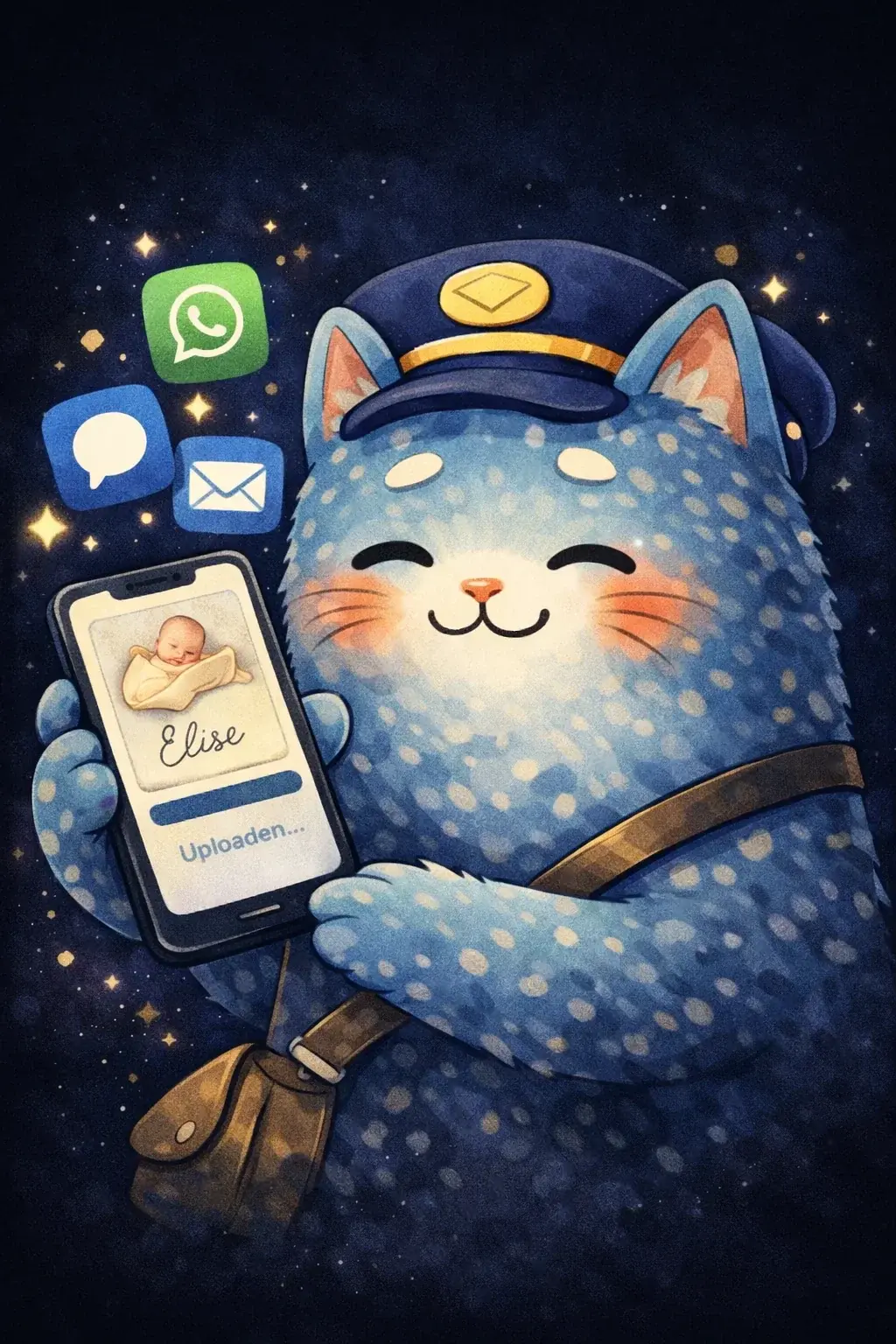
Upload birth announcement

1. Upload your card

Upload your finished card (image or PDF). We don't touch your design.

Collect addresses via link

2. Collect addresses

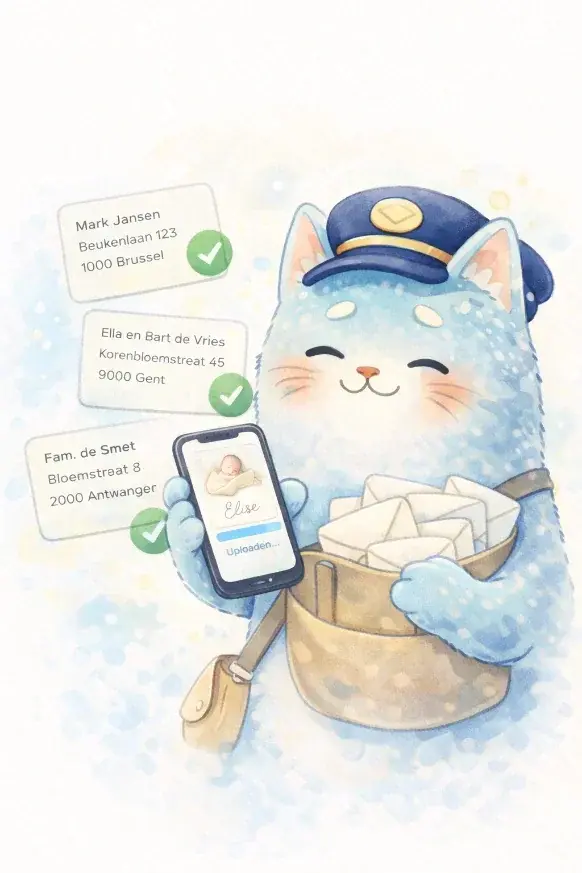
Turn on the address module and share a link. Family and friends fill in their own details — no chasing required.

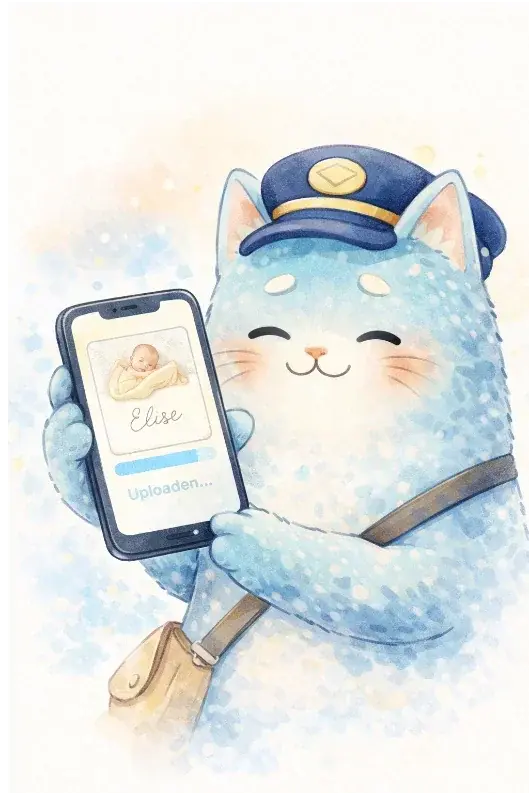
Share birth announcement digitally

3. Share your card digitally

Send your personal link via WhatsApp, email, or SMS. Everyone views your card whenever it suits them.

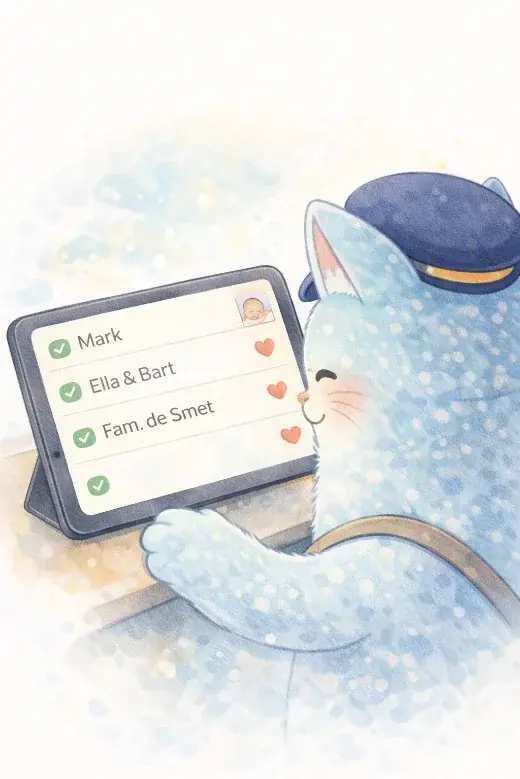
Overview of addresses and responses

4. Keep track

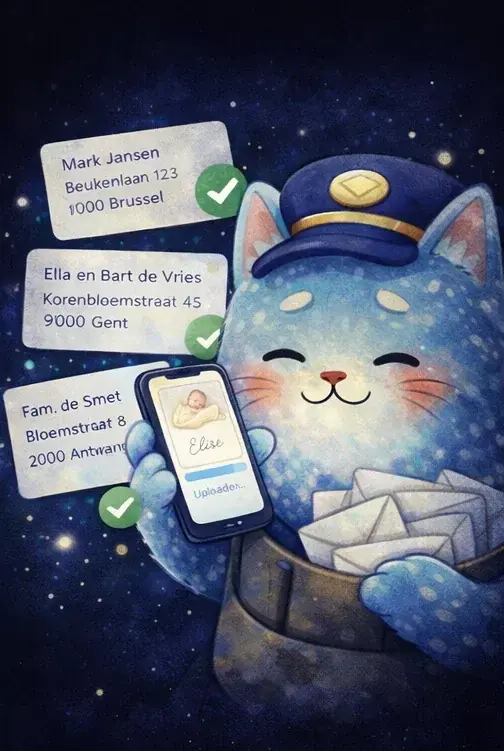
See in one place who viewed, who responded, and which addresses are already in.

Start free with your addresses and your card

No subscription, and whoever opens your link needs no account.

Start free and see right away if it saves you time today. You are not committing to anything.

Stop asking for the same address three times in WhatsApp

Recipients need no account. They just open your link and fill in their address.

Print only the cards you actually need

Privacy is our starting point. Only you see the addresses, nobody else.

Keep your card, addresses, and visit requests in one overview

Alongside your physical card, not instead of

You've had a beautiful card printed. That stays the most important thing. But not everyone lives nearby, and post takes time. A digital version reaches everyone instantly — as a complement to your real card.

01

Physical card

Personal and tangible. That stays the most important thing.

Together works best

02

Digital version

The same design as a real page, instantly with everyone via your link. As a complement.

Coming from Kaartje2go or Mailbook?

Already have a card at Kaartje2go, or addresses at Mailbook?

Import your address list in one click and use our platform for everything that follows: sharing your card, RSVPs, thank-you cards, and more.

Frequently asked questions

Only the key questions you need to get started. The rest belongs on the task pages.

Yes. Sharing your card and collecting addresses is free.

Want extra features later like visit management, thank-you cards, or analytics? You can upgrade. No subscription, no automatic renewals.

View all pricing →

Upload your card or start with your addresses.

Whoever opens your link needs no account. Free to start.